

AI-based platforms can be useful in generating content for social media updates, website content, ads, and marketing materials much more quickly. Nevertheless, even when you get your content done quickly, it will not always mean that it will be aligned with your brand. Unless you provide a very detailed prompt or guidance, AI will generate something that will not match your requirements at all.
The problem could be solved easily with a properly developedbrand identity guidelines, which will allow AI systems and content creators to follow certain guidelines. Instead of having to refer to a lengthy PDF file or a general prompt, you will be able to develop a brand system with all the needed rules.
The Frontify guide to AI-friendly brand guidelines focuses on the need to structure the information about the brand in such a way that it is detailed, contextual, connected, and governed. This will prevent AI from making wrong assumptions.
Here are 10 things you can do to ensure your brand guidelines are AI-friendly.
1. Define Exact Visual Rules in Your Brand Style Guide
For AI to design consistently, it must have clear visual instructions. Instructions like “use our brand colours” or “make it professional” can mean different things each time.
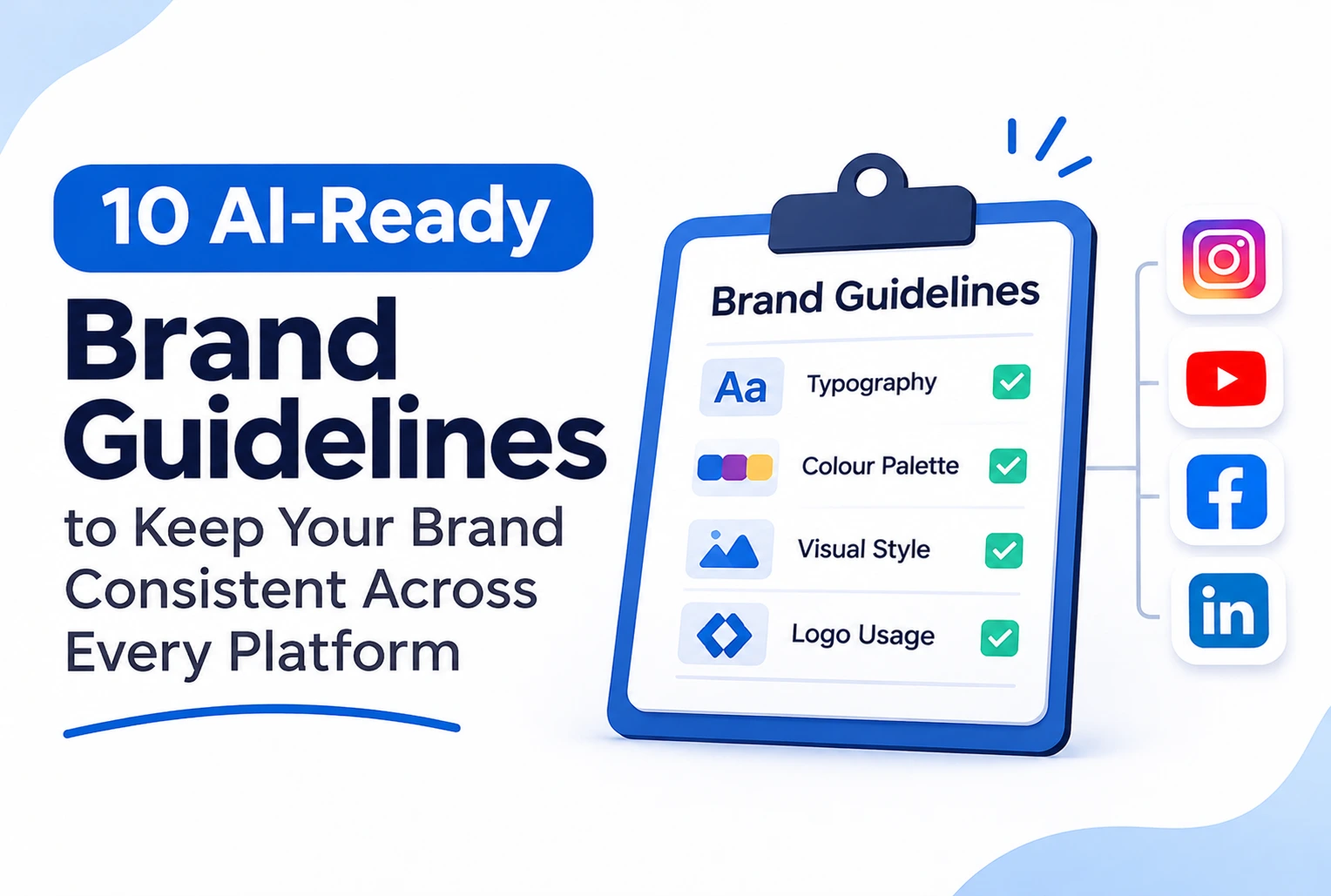
Your brand style guide should provide clear instructions on colours, typography, logo use, and visual directions. Instead of saying that the primary colour is purple, give it a specific HEX colour code like #B5538E.
Include:
- Primary, secondary and accent colours with HEX and RGB values
- CMYK values for print materials
- Approved font families and fallback fonts
- Logo variations, clear space and minimum size
- Rules for backgrounds, contrast and colour combinations
- Photography, illustration and icon styles
Where visuals are concerned, describe your design in a quantifiable way if you can. Instead of stating “have a clean layout,” say things like “a lot of white space, heading hierarchy, and margin for the logo.”
Frontify suggests that designers document visual standards such as colour values, typography hierarchy, space, imagery, and icons to give AI concrete directions.
2. Explain Brand Voice With Real Examples
The voice of the brand cannot be described only using adjectives. Even if words like friendly, bold, or trustworthy will be helpful to define the voice initially, they cannot help you understand how the brand must communicate.
In your guide, include a description of the tone, vocabulary, sentence structure, and the way messages are delivered. Provide examples of emails, social media, website, and ad copy.
For example:
Brand voice: Friendly, knowledgeable and straightforward.
Use: Here’s how to improve your website’s performance.”
Avoid: Unlock revolutionary digital transformation with our world-class solutions.
The second example makes use of hyperbolic language that may not go well with a practical and customer-oriented brand.
Include words you want to use, spellings, words to avoid using and guidelines for addressing your audience. This will help the AI understand the voice of your brand.
3. Add Clear Do’s and Don’ts to Your Brand Book
Not only the desired design of the brand should be included in the brand book, but also its impermissible modifications.
Positive instructions are easier for AI to follow, whereas negative examples will help set boundaries. Each rule needs to be accompanied by an example of wrong output.
| Do | Don’t |
| Use approved brand colours | Introduce random colours |
| Keep the logo proportions unchanged | Stretch or distort the logo |
| Use simple, clear language | Add unnecessary jargon |
| Use authentic, relevant imagery | Use misleading or unrelated visuals |
| Make one clear CTA | Add several competing CTAs |
These examples should encompass both text and imagery. For example, if your company does not make any exaggerations, you could provide AI with an example of a sentence that contains one.
The idea is to make it clearer and easier for people in teams to recognise off-brand content.
4. Create Repeatable Templates for Every Content Format
Social media posts, landing pages, and product descriptions have different formats despite being in the same tone. They do not need the same formats even when they have the same tone.
Templates can be used for the following purposes:
- Social media captions and carousels
- Google Ads and Meta Ads
- Landing pages and website sections
- Product descriptions
- Email newsletters
- Blog introductions and conclusions
For instance, a social media template may have a hook, one key message, additional info, and a call to action.
The elements of a product description template may consist of the product name, its key benefit, features, target audience, and next steps.
By using templates, you avoid having to write detailed directions each time. You can modify the content according to the platform while preserving your brand identity.
5. Build a Centralised Brand Guidelines Template and Asset Hub
The separation of logo assets, fonts, templates, and copy asset references into different folders is a hindrance to locating the most updated version.
There should be a brand portal that serves as the repository for your team’s purposes. It may include a template for brand guidelines, as well as other creative resources and messaging documents.
For instance, uBrand talks about a brand guideline system that encompasses the elements of visual identity, positioning, fonts, colours, and brand messaging with updates that are shareable.
A central hub can help your team:
- Find the correct logo and design files
- Access the latest brand rules
- Reuse approved content templates
- Reduce duplicate or outdated assets
- Share guidance with designers, writers and agencies
It could still serve as a useful guide or export. But then again, it shouldn’t be the only location for important brand details if there is a need for constantly updated information.
6. Add Metadata to Approved Brand Assets
The name of a file itself does not help the AI know if the image is appropriate for a campaign, market, or platform.
Metadata provides helpful information about your assets. This will explain what is contained in the file, how it can be used, and if it is approved.
For example, an image could include:
| Metadata field | Example |
| Asset type | Product photography |
| Market | India |
| Channel | |
| Usage rights | Approved for digital use |
| Campaign | Summer promotion |
| Status | Approved |
| Restrictions | Not for print |
This data enables the AI and team members to select appropriate assets instead of choosing assets simply by looking at them.
Metadata becomes increasingly valuable for organisations that have a substantial asset database or work with many markets and partners outside of the organisation.
7. Connect Brand Guidelines Directly to AI Workflows
A critical step to consider here is that of ensuring that AI has access to your brand guidelines during the creation of content.
The need for manual entry of the guidelines by the employee each time content is to be developed means that the employee might forget something along the way.
Depending on your tools, this may involve:
- Adding approved brand instructions to an AI assistant
- Connecting a brand portal or asset library
- Using retrieval-based workflows to bring relevant guidance into a prompt
- Creating automated checks for brand voice and visual standards
- Using permissions to control which assets AI can access
Frontify describes connecting brand systems with AI tools through integrations and Model Context Protocol (MCP), which can help AI retrieve brand guidelines, assets and templates from connected systems.
The correct way will depend on the size of your business and technology. A small organisation may require only a shared brand document and a set of approved prompts, while large organisations can leverage connected brand management systems.
8. Provide Reusable Prompts for AI Content Creation
A prompt that can be used over and over again is provided for every member of the team. This prompt must contain the audience, medium, goal, tone, format, and limitations.
For example:
AI brand content prompt
Create a social media post for [brand name].
- Audience: [target audience]
- Platform: [platform]
- Objective: [campaign goal]
- Brand voice: [approved tone]
- Key message: [main message]
- Required format: [caption, carousel or ad]
- Visual rules: Use approved colours, fonts and assets
- Restrictions: Avoid unsupported claims, banned phrases and unapproved logos
- CTA: [approved call to action]
uBrand’s AI brand guideline prompt guide offers sample prompts to create a brand board, VI, and brand presentations from uploaded logos and brand details.
It’s advisable to begin with prompt templates, but always ensure that the official brand guidelines are kept somewhere accessible. Prompt templates can vary while the guidelines remain the source of truth.
9. Use Permissions and Version Control to Protect Brand Identity
Not all team members should have the ability to alter the logo, colour scheme, or branding messages.
Establish permissions for brand resources and brand guidelines. For instance, designers can be given the ability to create variations for campaigns, but only brand managers can make changes to the core visuals.
Your governance rules should cover:
- Who can edit brand guidelines
- Who can approve content
- Which assets are locked
- How external agencies receive access
- How old versions are archived
- When permissions or usage rights expire
It is significant to consider version control, as the AI may generate content based on an older logo or outdated campaign message if past versions are still available.
Document all approved modifications and ensure that the latest version is easily recognisable.
10. Review AI Content and Update Guidelines Regularly
Content generated by AI technology should not be considered publishable just because it is written according to a prompt.
Ensure the quality of the content in terms of brand voice, graphic identity, accuracy, accessibility, compliance with copyright laws, and appropriateness for the target audience. High-risk content like legal statements, financial communications or other sensitive messages needs more expert review.
Purdue Brand Studio suggests that AI-generated content needs human refinement and approval, considering its accuracy, appropriateness, and data privacy.
Create a simple review checklist:
- Does the content match the brand voice?
- Are the correct colours, fonts and assets used?
- Are all claims accurate and supported?
- Does the content fit the platform and audience?
- Are usage rights and disclosure requirements satisfied?
- Has the appropriate person approved it?
Check your guidelines at any time when the brand alters its positioning strategy, introduces a new product, or enters a new market.
A Simple Brand Guidelines Template for AI
Use the following structure to organise your brand information:
| Section | What to include |
| Brand overview | Mission, audience, values and positioning |
| Visual identity | Logo rules, colours, fonts and imagery |
| Brand voice | Tone, vocabulary and sample copy |
| Content formats | Templates for ads, posts, pages and emails |
| Approved assets | Logos, images, icons and usage rights |
| AI instructions | Reusable prompts and restrictions |
| Governance | Permissions, approvals and version history |
Such a structure can be used as a good beginning for a template of brand guidelines. Add to it as your content requirements and AI processes grow increasingly complicated.
How Shag Infotech Helps Businesses Maintain a Consistent Brand Identity
At Shag Infotech, we know that having a consistent brand identity is key to creating trust and recognition on all digital platforms. With the help of clear brand identity guidelines and artificial intelligence-based content workflows, companies will be able to produce marketing content that speaks for their brand and adheres to their visual and communicative guidelines. From creating an organised brand style guide through the production of consistent website, social media, and other digital marketing content, a proper branding strategy will allow companies to streamline their marketing efforts.
Final Thoughts
Artificial intelligence can help speed up the production of content, but consistent branding requires the creation of guidelines and processes. Effective brand identity guidelines provide AI-powered solutions with all the necessary information for the creation of branded content for your company.
The first step is to establish your brand voice, brand identity, and templates. The next step is to organise the assets, add metadata, connect the AI-powered solutions, and introduce a review process.
A well-designed system does more than just explain to the AI how your brand should appear visually. It describes how your brand should communicate, what assets it should leverage and when human intervention is required. This is what turns a basic brand style guide into an effective brand system.