

Quick answer: Identify the issue, research the market, define an MVP, select the right technology, budget the process, design, build, test, distribute and improve constantly. These steps in building an app will work well for a beginner and businesses. Budget $99 per year for Apple, $25 one time fee for Google Play, and 14 days closed testing period for Google Play for Personal.
Apps make shopping, learning, banking and booking easy, and they provide businesses with a direct connection to their customers. If you have been asking yourself how to create a mobile application in 2027, there is no need for you to have prior programming experience. There are now several tools available that have made it easier than ever before. The same process can also be used to develop applications for Android or iOS or both.
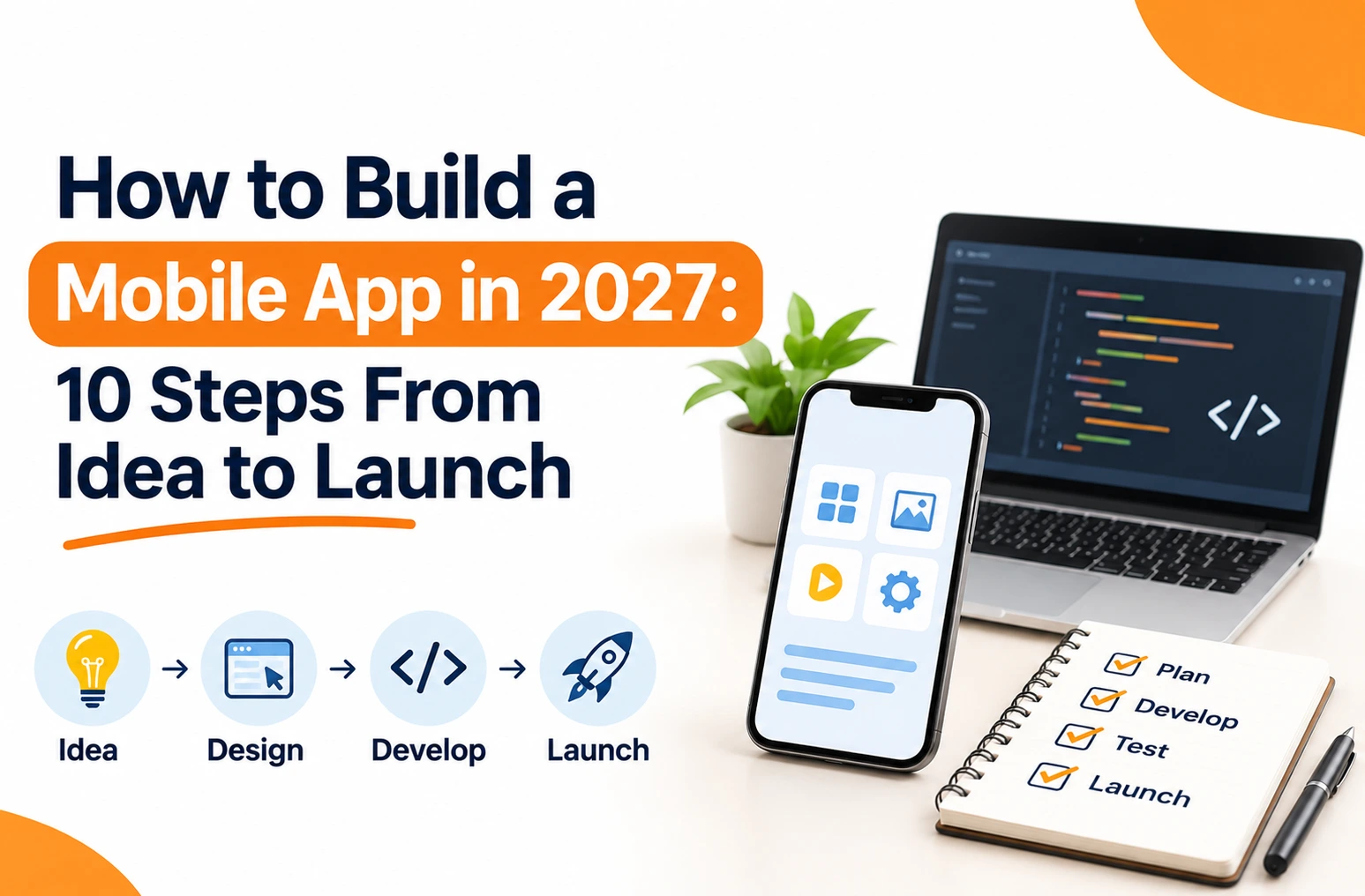
How to Build a Mobile App: 10 Steps
Short answer: The mobile app development process starts from validating your idea through launch and maintenance. You need to follow the order for saving money and avoiding unnecessary features.
1. Define the Problem Your App Solves
All great apps begin with a clear reason for existence. Document the problem that the app will solve, the people who face it, how they deal with it now, and how the app will be an improvement over current solutions. The problem statement prevents unnecessary features.
2. Research Your Market and Competitors
Find other similar apps on the Google Play Store and the Apple App Store: compare their features, pricing models, ratings, and customer reviews. Look for recurring problems and missing features. Finally, interview some potential users or conduct a survey to find out their level of interest.
3. Plan Your Features and Build an MVP
The MVP should have only those features that will help solve the core problem. In this case, a simple shopping application requires:
| Feature | Purpose |
| User registration | Creates customer accounts |
| Product catalogue | Shows available products |
| Search and filters | Helps users find products |
| Shopping cart | Stores selected products |
| Payment integration | Supports online payments |
| Order tracking | Shows delivery progress |
Keep improvements for later. A focused MVP costs less and lets you learn from real users sooner.
4. Choose the Right Platform and Technology
Match your selection with your budget, target group, complexity, and performance requirements.
- Native (Kotlin for Android, Swift for iOS): best access to the capabilities of the platform, though separate for each platform. If your goal is to create an application from scratch with complete freedom, then this is how it is usually done.
- Cross-platform (Flutter, React Native): one common code base for both Android and iOS, thus avoiding any duplicate efforts.
- Progressive Web Apps: Can be run in the browser, installed on compatible devices, and work even offline.
- No-code and low-code: visual editors suit prototypes and simple apps. If you only need to know how to make an app for a quick test, start here.
5. Set Your Budget, Timeline and Revenue Model
Budget for planning, designing, front-end and back-end development, integration, testing, deployment and maintenance. The fees for storage are different:
| Store | Fee (November 2026) | Note |
| Apple Developer Program | US$99 per year, shown in local currency | In India, enrolment is only through the Apple Developer app |
| Google Play Console | US$25, one time | New personal accounts face a testing rule (Step 9) |
Choose also the business model you’ll use for the application: freemium, subscriptions, paid apps, advertising or in-app purchases.
6. Design the User Interface and Experience
Wireframe your screens and navigation before prototyping in software like Figma. Make sure your navigation is simple, your font is legible, your layout accessible, and your calls-to-action clear. Prototype your idea and test with real users to catch design flaws without writing a line of code.
7. Develop the Frontend and Backend
The frontend is what the user interacts with – the screen, forms, and buttons. The backend takes care of servers, databases, authentication, business logic, and APIs. Develop in short sprints, and keep security in mind from the get-go – secure sensitive information, handle permissions and the connection to the backend.
8. Test on Real Devices
Don’t use only one phone for your work. Do functional, usability, performance, compatibility, and security tests. Test bad scenarios like unstable internet, payment failure, and incorrect passwords. Make a beta version available to a few people to test something that you can miss in internal testing.
9. Publish on Google Play and the App Store
Create the name and description of your app, create the icon, take the screenshots, write the privacy policy, explain the permissions, set the age rating, gather information on data collection and prepare the build for release. And now review the existing requirements:
- Google Play testing:personal accounts created after November 13, 2023 must run a closed test with at least 12 testers opted in for 14 continuous days before applying for production access. Organization accounts are exempt, but need verification that may include a D-U-N-S number.
- Android developer verification: regional enforcement began on September 30, 2026 in Brazil, Indonesia, Singapore and Thailand, with a global rollout in 2027. Most Play developers are already verified. Developers who distribute only outside Google Play need an Android Developer Console account.
- Apple: The apps will be reviewed according to the guidelines stipulated in the App Review Guidelines. There are different timelines, so it is advisable to create some room for leeway.
10. Launch, Monitor and Improve
Publication is just one step towards the finish line. Keep track of your downloads, user activity, retention rates, bugs, crash rates, conversions, and review scores. Use analytics to find out where people drop off, and get feedback through reviews, surveys, and customer support.
What Does It Cost to Build a Mobile App in 2027?
Short answer: There is no fixed cost; cost will vary according to the features, platform, design, backend, integration, and the team. A basic MVP will cost less compared to the one that includes real-time tracking, multiple user types, and payment gateway. The process of maintenance also continues after the deployment. Demand a breakdown quote from all vendors depending on your needs, not just the cheapest.
Common Mistakes When Learning How to Build a Mobile App
- Skipping market research .
- Incorporating too much functionality in the first release.
- Using unsuitable technology for the particular project.
- Ignoring the importance of usability and accessibility.
- Only testing at the end of the process.
- Ignoring privacy, security, and compliance issues.
- Failing to take care of the updates and maintenance.
Should You Hire a Mobile App Development Company?
Short answer: Hire a team when requirements are complex. Handle simple prototypes yourself.
Knowing how to build a mobile app yourself still helps you brief a team well. Projects with integrations, payments or several user roles benefit fromprofessional planning, design, development, testing and maintenance. Before choosing a partner, review its portfolio, technical skills, communication process and support terms.
About Shag Infotech: Shag Infotech is a Jaipur-based company offering app development, web design, SEO and digital marketing, so your app and its online presence can be planned together. If you are planning an app,contact Shag Infotech with your requirements and ask for a scoped, itemised plan.
Frequently Asked Questions
How to build a mobile app without coding?
Go for a no-code or low-code environment with graphical editors and pre-built blocks. It will be useful for prototypes and basic applications. However, complex functionality requires custom coding.
Which technology is best for building an app?
Kotlin and Swift are suitable for native app development. Flutter and React Native are suitable for cross-platform app development.
How long does it take to develop an app?
It depends on complexity, integration, and testing. In a brand-new personal Google Play account, have a minimum of 14 days of closed testing period.
What is an MVP?
It is the first working version, with essential features only, used to collect feedback before you invest more.
Do I need a developer account to publish?
Yes. Apple and Google both require one, with the fees listed above.
What should I do after launch?
Monitor performance, collect feedback, fix bugs, update security and release improvements.
Conclusion
Now you know how to build a mobile app: validate the idea, plan an MVP, choose suitable technology, design the experience, build, test, publish and keep improving. Start small, check store rules before you submit and use real user feedback to decide what to add next.