


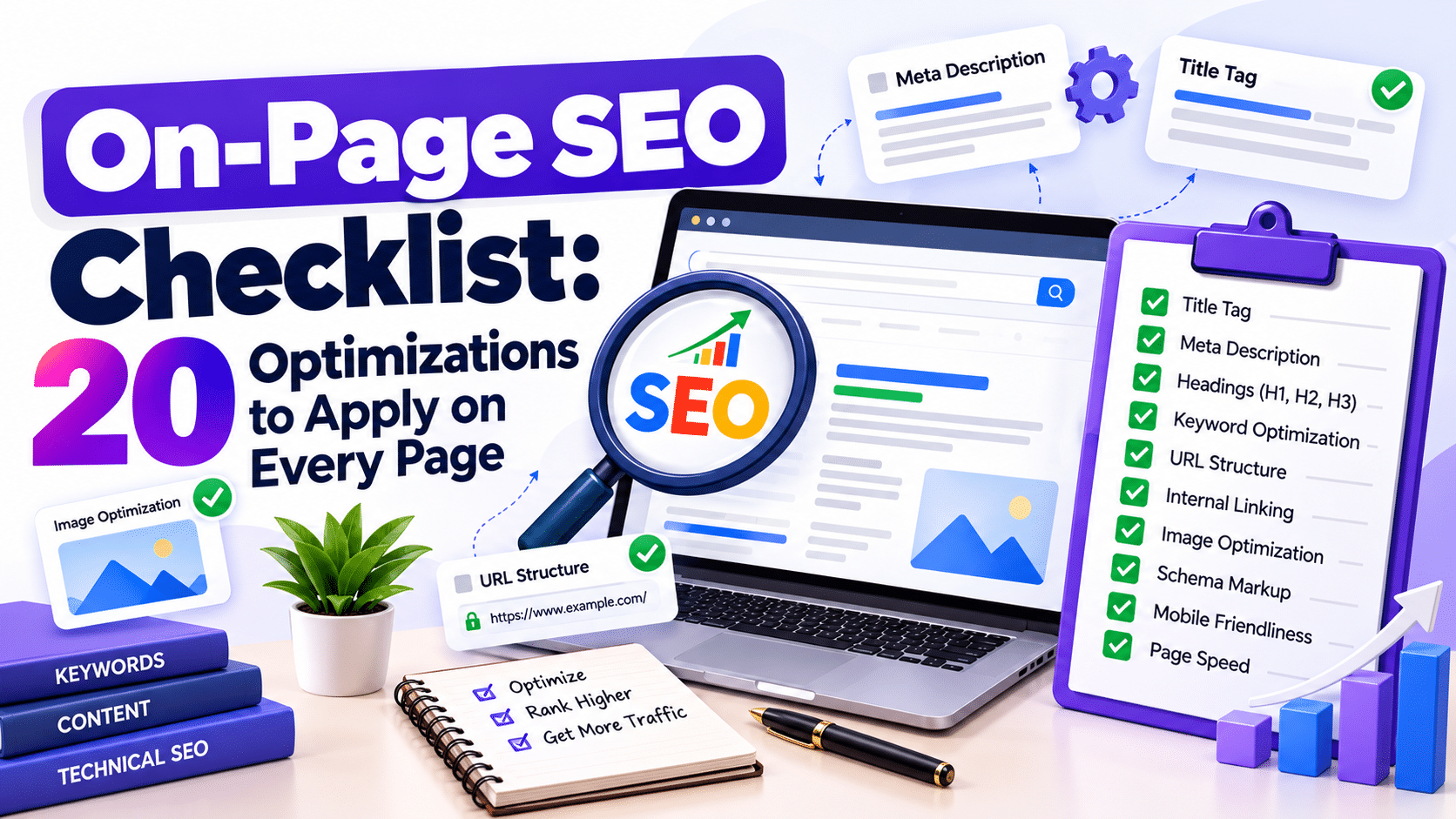
The contents of a webpage alone do not guarantee high search engine rankings. The webpage should have proper headings, titles, images, links, etc., to ensure that both search engines and users understand the contents of the page.
An on page SEO checklist helps you review these elements systematically before publishing or updating a page. It also makes identifying issues during an SEO audit easier.
This guide covers 20 practical optimizations for blog posts, service pages, landing pages and product pages. Use these steps to improve your Website SEO, support better user experiences and strengthen your search engine optimization techniques.
What Is an On-Page SEO Checklist?
On-page SEO checklists are to-do lists that assist in optimizing single web pages for search engines and their users. They cover such elements as content relevancy, use of keywords, metadata, headings, images and internal linking.
On-page SEO is not like off-page SEO that is all about external factors like links and technical SEO, which is about crawlability and indexing For Google’s official recommendations, read the SEO Starter Guide.
20 On-Page SEO Optimizations to Follow
1. Optimize the Title Tag
The title tag helps search engines and users understand a page’s topic.
- Include the primary keyword naturally.
- Keep the title specific and relevant.
- Aim for approximately 50–60 characters.
- Write a unique title for each important page.
Example: “On-Page SEO Checklist: 20 Essential Optimizations” is more descriptive than “SEO Tips.”
2. Write a Useful Meta Description
A meta description summarizes the page and may appear in search results.
Keep it to 150-160 characters. Describe why the page is valuable and include the main keyword. Don’t copy descriptions elsewhere, and don’t make any false promises. Google may create a different description depending on what people are searching for.
3. Create a Clear H1 Heading
Your H1 should communicate the main topic immediately. Include the primary keyword where it fits naturally and make the heading relevant to the page’s purpose.
A single clear H1 is a useful content-organization practice, although multiple H1 elements are not automatically an SEO problem.
4. Structure H2 and H3 Headings
Organize content into logical sections using H2 and H3 headings. Descriptive headings improve readability and help visitors locate specific information.
Avoid repeating keywords unnaturally or using headings that do not accurately describe the following content.
5. Use Keywords Naturally
Place the primary keyword in relevant locations, such as the title, introduction and appropriate headings. Use secondary keywords like SEO optimization, SEO audit and Technical SEO when they fit the context.
Avoid keyword stuffing. Search engines do not require a fixed keyword density for a page to rank.
6. Match Search Intent
Understand user expectations for the target keyword. When someone searches for an on-page SEO checklist, they want practical tips and not just a marketing pitch.
Analyze relevant results and recognize common queries to shape your content according to the user’s needs.
7. Improve Content Quality
Publish accurate, useful and original content that answers the reader’s question.
- Add relevant examples and practical advice.
- Remove repetitive explanations.
- Verify statistics and factual claims.
- Update outdated information.
- Cover important subtopics without unnecessary filler.
Content quality matters more than reaching an arbitrary word count.
8. Create SEO-Friendly URLs
Use short, descriptive URLs that communicate the page’s subject.
Example: example.com/on-page-seo-checklist/
Do not use unnecessary parameters and/or strings. In case you need to modify an already existing URL, then a redirect should be implemented.
9. Add Descriptive Image Alt Text
Alt text describes meaningful images for accessibility and helps search engines understand their context.
For example, an image showing an SEO report could use the alt text “Website SEO audit report showing page optimization issues.”
Describe the image accurately instead of adding keywords to every image.
10. Compress and Optimize Images
Large images can slow down a webpage. Compress files, use appropriate dimensions and consider modern formats such as WebP or AVIF.
Don’t use large images if small images can be used. Lazy load the appropriate images that are below the fold while making sure that above the fold content is easily accessible.
11. Add Relevant Internal Links
Internal links connect related pages on your website and help visitors explore useful resources.
Link to relevant blog posts, service pages and supporting guides. Use descriptive anchor text that explains the destination.
Focus on providing links that benefit the reader rather than including additional links where they are not needed.
12. Check External Links
Link to reliable sources when you need to support statistics, research or technical claims.
Make sure all the important links are working and that they link to the correct resources. Use the appropriate attributes for any sponsored or user-generated links.
13. Improve Page Speed
Use Google PageSpeed Insight to identify performance problems.
Review oversized images, unnecessary scripts and inefficient resource loading. Monitor Core Web Vitals: Largest Contentful Paint (LCP), Interaction to Next Paint (INP) and Cumulative Layout Shift (CLS).
Improving these metrics can create a smoother browsing experience.
14. Optimize for Mobile Devices
Ensure your webpage works properly on smartphones and tablets.
Check font sizes, buttons, navigation, forms and image scaling. Avoid layouts that force users to scroll horizontally.
Google mainly uses the mobile website content for indexing purposes; therefore, mobile usability is an essential element of Technical SEO.
15. Check Crawling and Indexing
Use Google Search Console to inspect important URLs and identify indexing problems.
Look for any accidental noindex, pages that are blocked, broken URLs, and incorrect canonicals. Make sure that your important pages are not blocked from the crawlers and use proper HTTP status codes.
16. Implement Relevant Structured Data
Structured data helps search engines interpret specific types of content.
Use suitable schema types, such as Article, Product or BreadcrumbList, when relevant. Ensure the markup matches visible page content and follows Google’s guidelines.
Validate supported implementations with Google’s Rich Results Test. Structured data does not guarantee enhanced search appearances.
17. Review Canonical Tags
Canonical tags help indicate the preferred version of a webpage when duplicate or similar URLs exist.
URL parameters, duplicate pages, and alternative versions of identical pages need to be checked. The selection of the canonical URL should not be random. It must be made after careful deliberation.
18. Improve Content Readability
Make content easy to scan by using short paragraphs, descriptive headings, lists and tables where appropriate.
Remove unnecessary jargon and keep important information easy to find. A clear layout helps visitors understand the content without struggling through long blocks of text.
19. Add Relevant Calls to Action
Commercial pages should guide visitors toward a useful next step.
Use relevant CTAs such as “Request a Quote,” “Explore Our Services” or “Book a Consultation.” Match the CTA to the page’s purpose and avoid intrusive pop-ups that interrupt the user experience.
20. Conduct a Final SEO Audit
After drafting, check the entire page for anything that may be missing.
Metadata, heading, keyword positioning, data accuracy, images, internal links, mobile optimization, and indexing should be checked.
Once your content is published, analyze impressions, clicks, and search queries using Google Search Console. Analyze the results to find out additional SEO optimization possibilities.
Best Tools for On-Page SEO
Tool | Primary purpose |
Google Search Console | Search performance and indexing |
Google PageSpeed Insights | Page speed and Core Web Vitals |
Google Rich Results Test | Structured data validation |
Screaming Frog SEO Spider | Crawling, metadata and broken links |
WooRank | Website SEO reviews and optimization checks |
Selecting the right tool depends on the size and needs of your website. Simple checks can be done using free tools, while more advanced websites will need crawling and auditing software.
Frequently Asked Questions
1. What is an on-page SEO checklist?
An on-page SEO checklist is simply a checklist that touches on a wide range of aspects such as title tags, meta descriptions, headings, keywords, content, images, links, and other technical factors.
2. How often should I perform an on-page SEO audit?
Review critical pages following any major content revisions. Pages with heavy traffic and those that are underperforming may need to be reviewed on a more frequent basis.
3. How many times should I use my primary keyword?
There isn’t any specific number that ensures rankings. Incorporate the keyword naturally wherever applicable but focus more on providing valuable content than keyword density.
4. Which tools are best for on-page SEO?
The following tools, Google Search Console, PageSpeed Insights, Screaming Frog and WooRank, could be used to spot content and performance problems.
5. Does on-page SEO guarantee higher rankings?
Not really. On-page SEO helps search engines understand the content of your site more easily, but there are also other things to consider.
Conclusion
Following an on-page SEO checklist helps businesses maintain consistent optimization across their websites. Regularly reviewing content quality, metadata, internal links and technical performance can identify issues and support better search visibility. Businesses looking to strengthen their online presence can also explore Shag Infotech,which offers digital marketing services, including SEO, social media marketing, website development and content writing. Its services can help businesses improve their digital presence and build a more effective online marketing strategy.